
4 CTR Tools for Customizable User Behavior: Agency Use Cases
Your clients want proof of clicks, not promises. Many agencies switch CTR tools because campaigns cannot be split by device, keywords, or location, and reports arrive without evidence a client will accept.
This article breaks down four CTR tools against the controls agencies actually adjust: device type, keywords, targeting, and click behavior. You will get a checklist for matching features to client use cases, a look at reporting and proof, and a clear top pick.
What Agencies Should Look For in a Customizable CTR Tool
Agencies evaluating CTR tools must prioritize configurability that aligns with diverse client campaigns, from device targeting to precise click behavior simulation. A single fixed setup rarely serves a portfolio that spans e-commerce, local services, and B2B lead generation.
Each client brings its own vertical, audience, and performance goals. A tool that only supports one narrow pattern forces teams to juggle workarounds or maintain separate accounts for every campaign.
Two areas matter most during evaluation. The first is customization levers: how much control the tool gives over device, keywords, location, and click behavior. The second is proof and reporting: whether the tool produces evidence clients can verify and reports they can present without extra work.
Agencies can lose time and credibility when tools generate patterns that look artificial or reports that require manual assembly. Configurability and clean documentation reduce both risks.
The criteria below apply whether an agency runs a handful of accounts or dozens. Use them as a checklist when comparing options, and weigh each lever against the verticals you actually serve.
Customization Levers: Device, Keywords, Location and Click Behavior
Agencies require granular control over device type, keyword selection, geographic targeting, and click patterns to mirror real user behavior and meet client KPIs. Each lever shapes how organic a campaign appears to search engines and analytics platforms.
Device targeting lets teams split traffic between desktop and mobile in proportions that match the client's real audience. A local service site might skew mobile, while a B2B software client leans desktop. Matching that split keeps engagement metrics believable.
Keyword targeting covers match types. Exact match focuses clicks on a specific query, while broad match spreads activity across related terms. Agencies can use both to build a natural keyword profile and support landing page optimization for each term.
Location settings should reach country, state, and city levels. This matters for multi-location clients and for campaigns where regional search results differ. Precise geo targeting also supports audience segmentation by market.
Click behavior is where many tools fall short. Look for control over dwell time, scroll depth tracking, and navigation paths. A visit that bounces in seconds looks different from one that scrolls, reads, and moves to a second page.
- Vary dwell time across sessions instead of applying one fixed value
- Simulate scroll depth that reflects real reading patterns on long pages
- Allow multi-page navigation paths for content-heavy sites
- Randomize timing so click tracking data avoids detectable repetition
Avoiding detectable patterns is essential. Uniform intervals, identical session lengths, or a single device fingerprint across every visit create a footprint that analytics and search systems can flag. Randomization across levers is the safeguard.
Practical example: a client targeting "emergency plumber" in three cities. The agency sets city-level geo, exact match on the core term, a mobile-heavy device split, and varied dwell times. The resulting engagement metrics read like genuine local interest rather than a scripted run.
Proof, Reporting and Client-Ready Evidence
Agencies must provide verifiable proof of campaign execution and clear, client-ready reports that demonstrate ROI and build trust. Clients rarely accept summaries alone. They want to see what happened.
Look for tools that capture screenshots of search results showing the target keyword and position at the moment of the visit. Landing page visits should be documented with timestamps and full visit paths, so a client can follow a session from entry to exit.
Reporting should be exportable and white-labelable. An agency's logo and colors on a report signal professionalism and keep the relationship anchored to the agency, not the software. Exports in common formats make sharing simple.
Metrics worth tracking in reports include keyword position changes over time, click-through rates, and engagement data such as dwell time and pages per visit. Pair these with session recording or heatmap software outputs where available for a fuller picture.
- Screenshot evidence of search result appearances
- Timestamped landing page visit logs
- Full visit paths with navigation sequences
- Keyword position trends across the campaign window
- Engagement metrics tied to each session
Real-time reporting and dashboard customization add practical value. A live view lets account managers catch anomalies before a client meeting. Custom dashboards let each client see the metrics that match their goals, whether that is CTR optimization, conversion rate optimization, or funnel analysis.
Scheduled reports reduce manual effort. When a tool can generate a branded summary on a regular cadence, account teams spend less time assembling slides and more time on strategy. A/B testing results and campaign performance trends belong in the same report so clients see the full story.
Finally, check that evidence is organized per campaign and per client. Clean separation supports client reporting without cross-contamination, and it makes audits far easier when a client questions results.
1. CTRTool - Best Overall
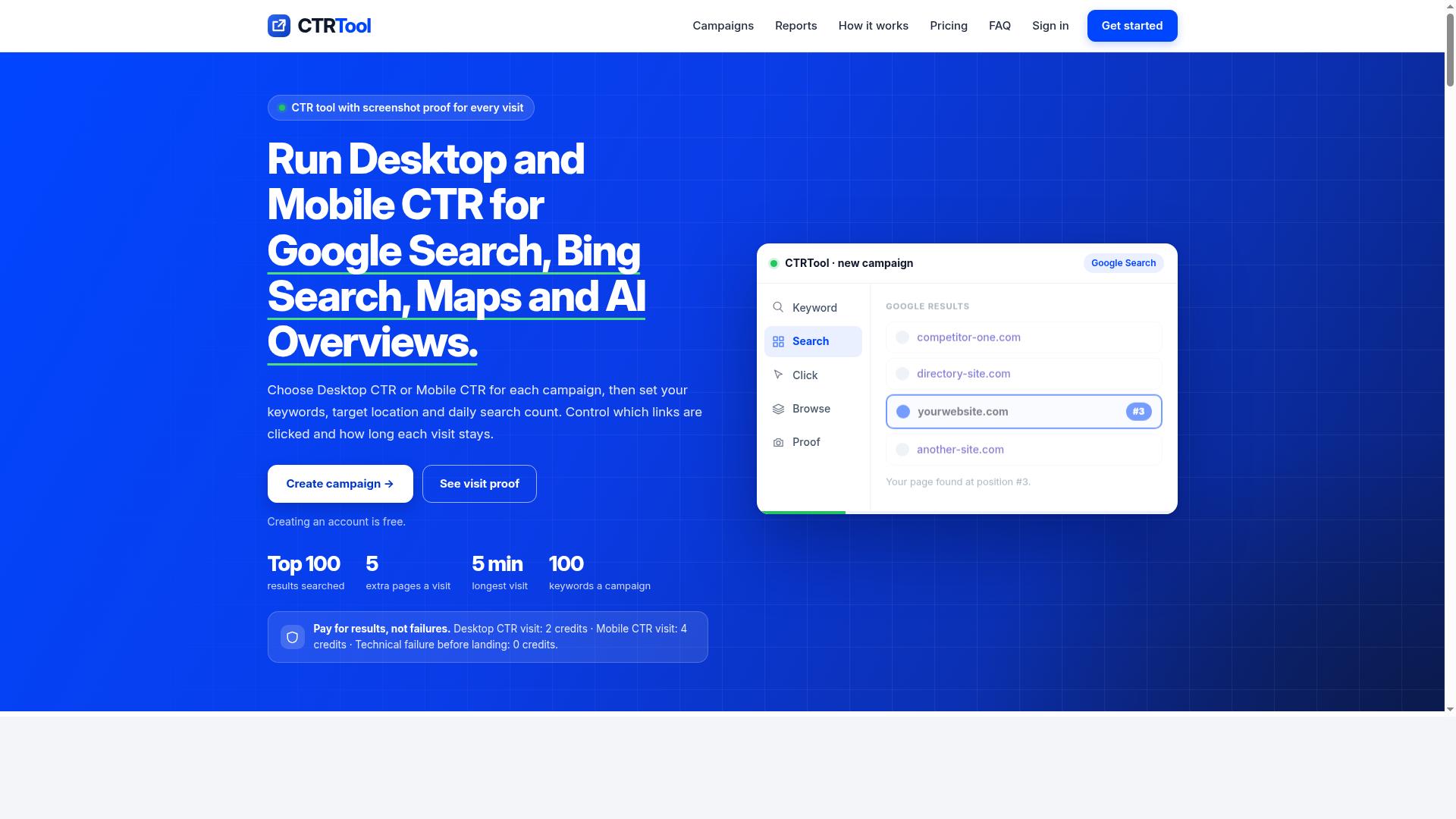
CTRTool stands out as the best overall option for agencies seeking a customizable CTR tool with robust proof and reporting features. It is positioned as a CTR tool with screenshot proof for every visit across Google Search, Bing Search, Maps, and AI Overviews.
That proof angle matters for agency work. Clients want to see what happened, not just a summary number. CTRTool reports include full visit paths, search and website screenshots, plus keyword positions over time for Search positions, Maps listing order, and AI citation order.
Delivery runs through Desktop Chrome windows and real Android phone sessions matched to the target location through managed proxy routes. The site itself advises a cautious approach: start with tier links, PBNs and test properties, and use CTR on main sites with caution.
For agencies, the strongest draws are customizable campaigns, device targeting, and proof for every visit. The two sections below cover how campaign controls work and how the credit model maps to client volume.
Customizable Campaign Controls for Agency Workflows
CTRTool offers agencies granular control over campaign parameters, including device type, keyword targeting, location, and click behavior, to tailor each campaign to client needs. Each campaign can run as Desktop or Mobile CTR, which lets you match the device mix your client reporting already tracks.
Campaign setup supports up to 100 keywords per campaign, along with target URLs, internal page URLs, and link text. You can set country, state, and city targeting, or choose Any country when a client serves a broader market.
Click behavior is configurable too. Options include click order, scrolling time, up to five additional pages per visit, and visits of up to five minutes total. Daily search counts can run as now, spread out, or with gap timing, across chosen days, hours, and time zone, with daily goals resetting at 00:00 UTC.
Coverage spans four campaign types, and each one checks a defined surface:
- Google Search CTR: search a keyword and click the organic result, with search depth up to 100 and internal pages supported
- Bing Search CTR: the same keyword and click flow on Bing
- Google Maps CTR: find a business listing and click its website link, scanning up to 50 listings with city targeting
- AI Overview CTR: find the website in the overview and click its source link, tracking citation order
For agencies juggling multiple clients, this structure keeps campaigns separated by client, market, and device. Custom form filling or other custom actions are available via support with a separate agreed one-time fee.
Pricing and Credit Model for Client Campaigns
CTRTool's credit-based pricing scales with agency campaign volume, offering transparent monthly plans that map credits to desktop or mobile visits. Plans are billed monthly in USD, and creating an account is free.
| Plan | Price | Credits | Approx. Visits |
|---|---|---|---|
| Starter | $59/month | 2,000 | Up to 1,000 Desktop or 500 Mobile CTR visits |
| Growth (Recommended) | $125/month | 5,000 | Up to 2,500 Desktop or 1,250 Mobile visits |
| Scale | $399/month | 20,000 | Up to 10,000 Desktop or 5,000 Mobile visits |
| Agency | $699/month | 40,000 | Up to 20,000 Desktop or 10,000 Mobile visits |
Credits are consumed by activity type. A Desktop CTR visit costs 2 credits, a Mobile CTR visit costs 4 credits, a verified search without a match costs 1 credit, and a technical failure before landing costs 0 credits.
That last point is worth flagging to clients: failed attempts before a landing do not burn budget. Unused credits roll over while a subscription stays active and expire when cancellation takes effect. The site also shows limited launch pricing, with prices rising 30% on November 15.
To pick a tier, estimate visit needs per client first. Add up planned desktop and mobile visits across active campaigns, apply the 2 and 4 credit rates, then compare the total against each plan. Agencies running several small clients may fit Growth comfortably, while heavier multi-client volumes point toward Scale or Agency.
2. SearchSEO
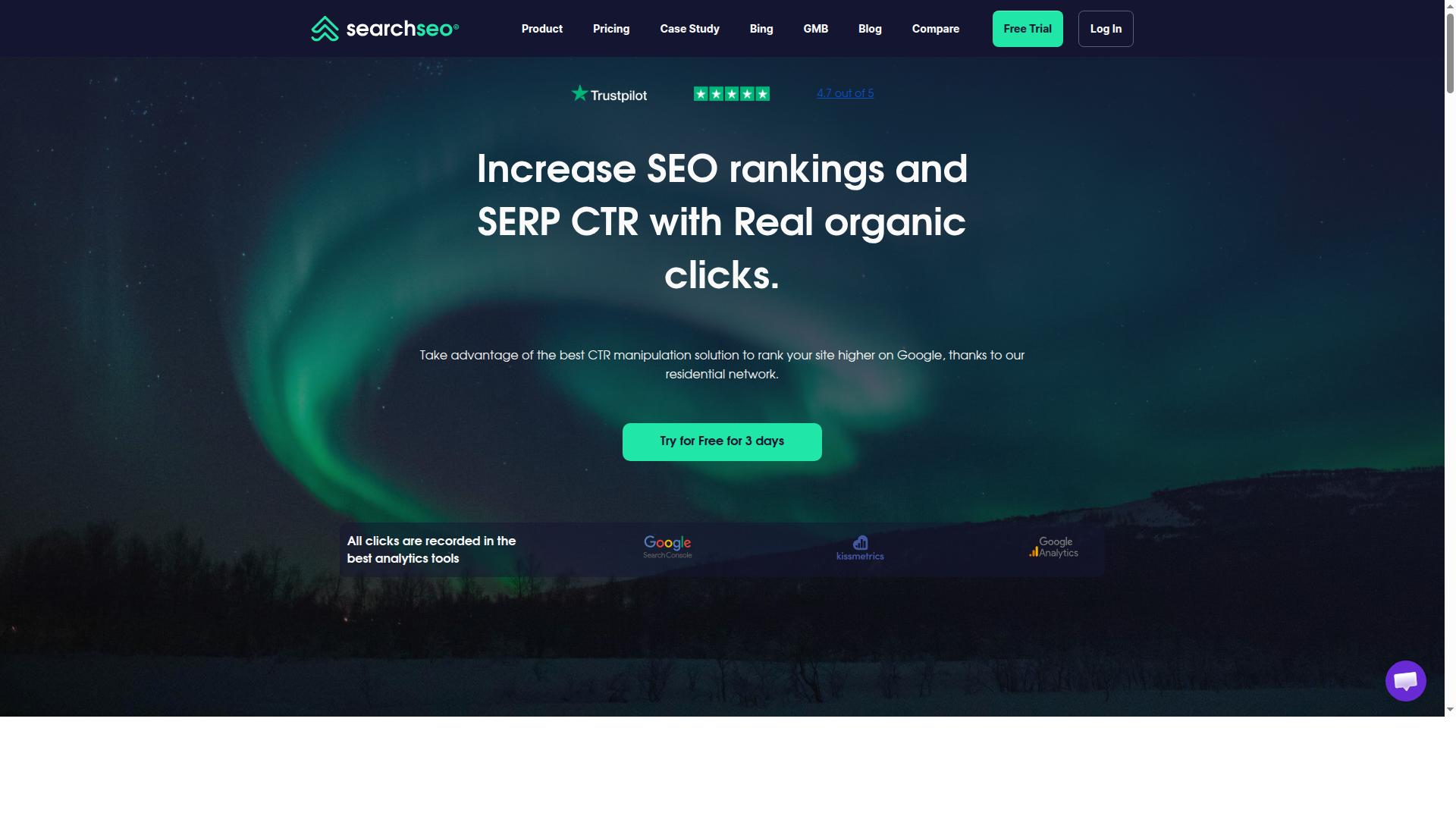
SearchSEO is a general CTR tool that agencies may consider for basic click-through rate campaigns, though specific features and proof mechanisms vary. Publicly available information about the product is limited, so the notes below stay high level.
Agencies exploring it should treat SearchSEO as a potential alternative rather than a confirmed fit. Confirm current capabilities, limits, and terms directly with the vendor before committing a client campaign.
From a category standpoint, tools in this space typically aim to support click-through rate optimization and campaign performance tracking. Many also touch on audience segmentation, behavioral targeting, and basic reporting for agency use cases.
Where a tool sits on customizable tracking and user behavior analytics is often the deciding factor. Agencies running several clients need clarity on how campaigns are structured and how results are reported.
- Ask how click-through rate campaigns are configured and monitored.
- Check whether reporting can be adapted for client reporting needs.
- Confirm how tracking and audience segmentation are handled.
- Clarify what campaign performance data is available and in what form.
These questions help agencies compare SearchSEO fairly against other options without relying on assumptions. They also reduce the risk of mismatched expectations mid-campaign.
For teams weighing landing page optimization or funnel analysis alongside CTR work, it helps to know whether the tool connects to those efforts. If those capabilities matter, verify them with the vendor first.
SearchSEO may suit agencies that want a straightforward starting point for CTR campaigns. Teams needing deeper behavior analytics or highly customizable tracking should review the remaining options in this roundup.
3. TrafficBotPro
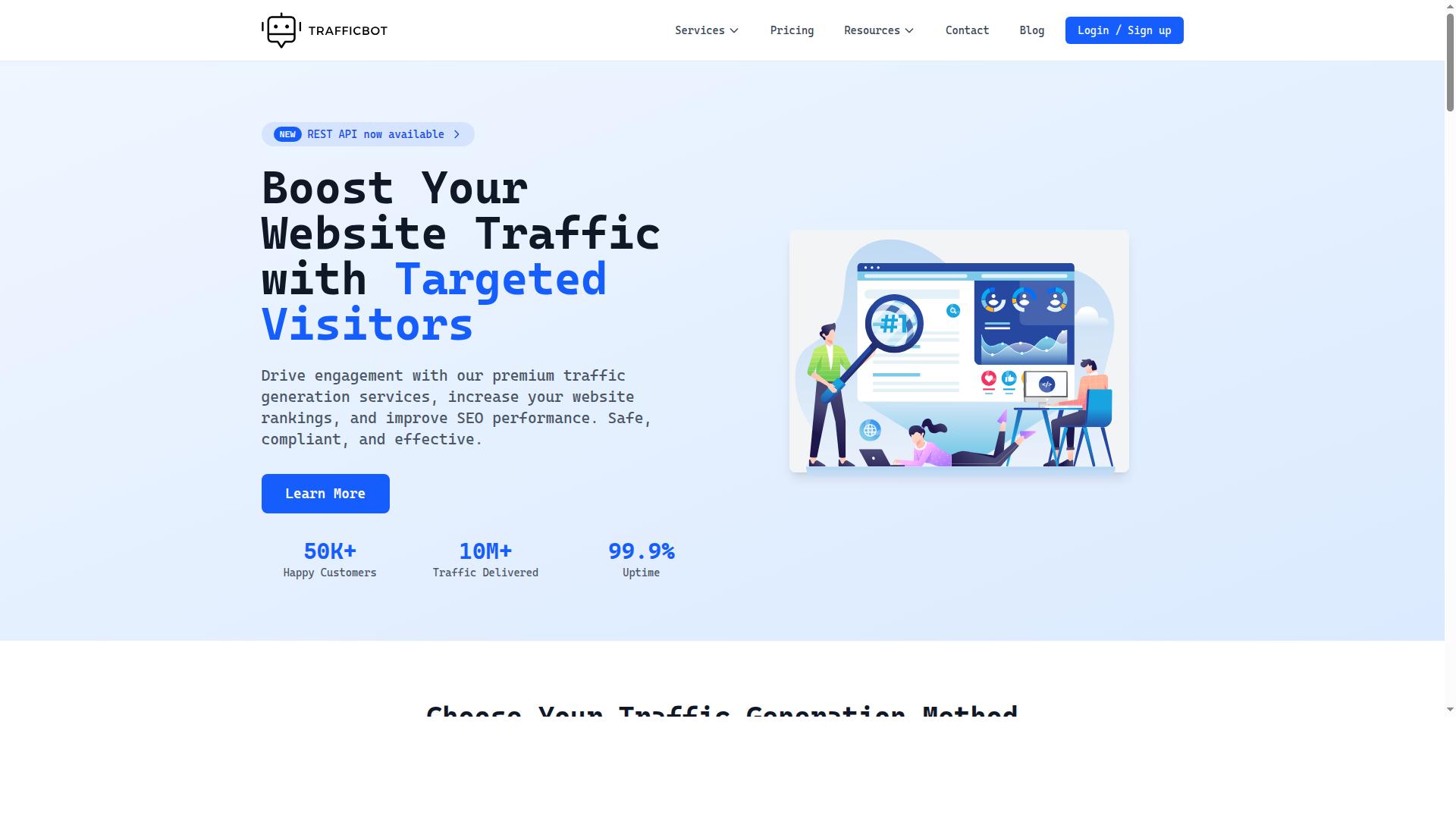
TrafficBotPro is another option in the CTR tool space, often mentioned for traffic generation, but agencies should confirm its customization and reporting depth. Public information about the product is thin, so it is best treated as a name to investigate rather than a settled recommendation.
A Slashdot comparison page lists a "Traffic Bot" product alongside a separate "Website Traffic Generator" entry. Both carry zero ratings and no user reviews, and the page offers no description of features, pricing, or ideal users. No factual detail about a product specifically named TrafficBotPro appears in the available sources.
That gap matters for agencies. Traffic and CTR tools vary widely in how much control they give over behavior patterns, targeting rules, and reporting output. Without published documentation, it is difficult to judge whether the tool supports customizable tracking, audience segmentation, or client reporting at the level an agency engagement requires.
Before shortlisting it, ask a few direct questions:
- Can campaigns be customized at the level of behavior, timing, and targeting rules?
- What reporting exists, and can it be adapted for client-facing or white-label use?
- Is there independent proof of results, such as case studies or verified reviews?
- Does the vendor publish clear documentation, terms, and pricing?
For agency use cases, the deciding factors are usually proof, reporting, and customization. A tool that cannot demonstrate these makes it hard to justify spend to a client or defend results in a performance review. Verify directly with the vendor rather than relying on comparison pages or directory listings.
Treat TrafficBotPro as unproven until documentation confirms otherwise. If the vendor cannot supply clear answers on reporting and customization, agencies may find stronger fits among tools with transparent, publicly documented capabilities.
4. CTR.bot
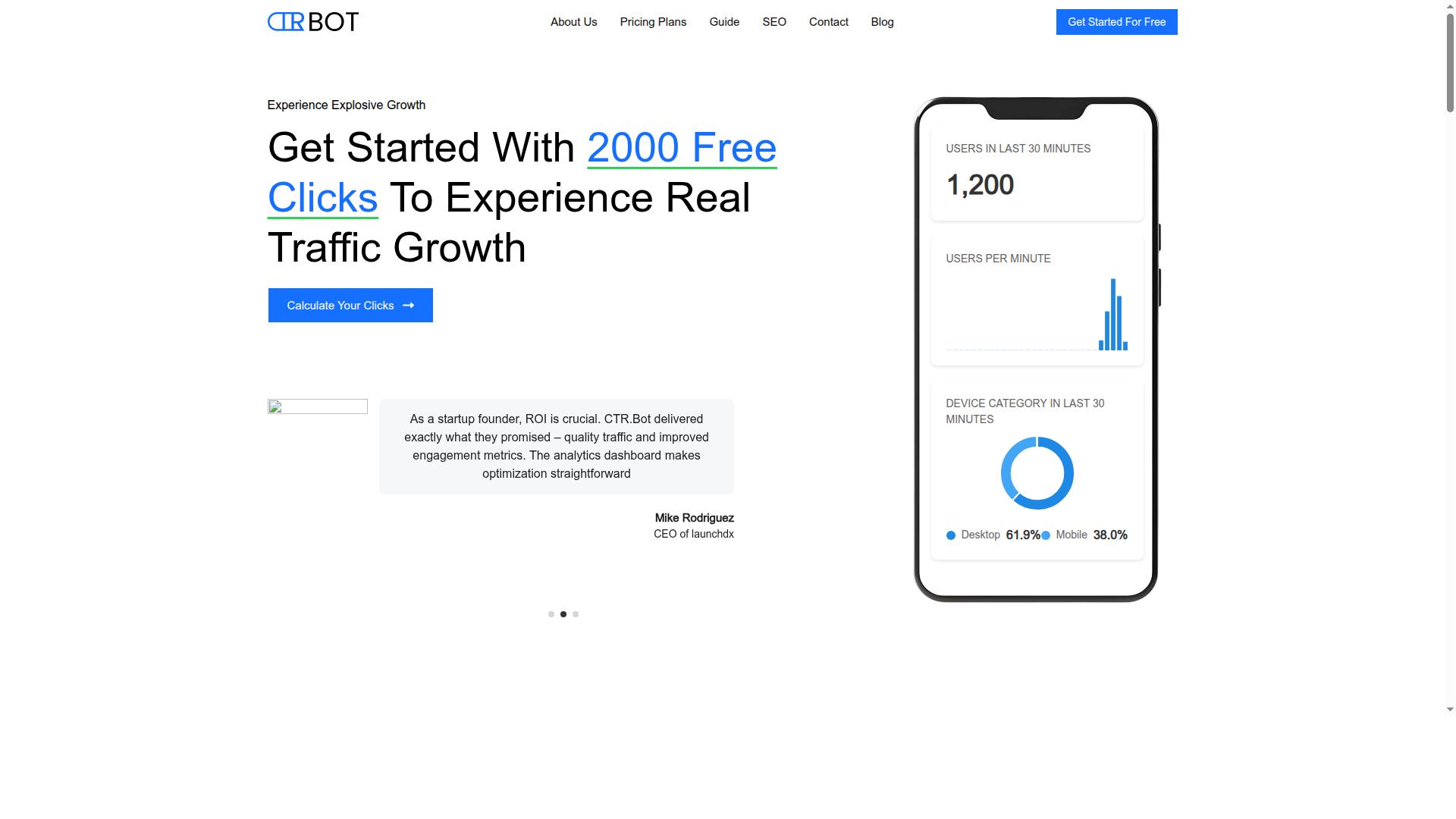
CTR.bot is a tool that may appeal to agencies seeking automated click-through campaigns, though details on proof and reporting should be vetted. Public information about the product is limited, so treat any overview as a starting point rather than a confirmed feature list.
Agencies evaluating it should confirm current offerings directly with the vendor. Compare what is described against your own requirements for customizable tracking and client reporting before making a decision.
Platforms in this category commonly describe features such as automated title writing, persuasive text crafting, split testing, and spintax generators. Some also reference A/B testing, keyword research, and AI-powered optimization. These are typical category claims, not confirmed specifics for this tool.
Reporting is often where agencies feel the gap most. Ask whether dashboards can be tailored, whether white-label reporting is supported, and how campaign performance is presented to clients. If those answers are vague, that is a signal to look closer.
Keep compliance in view as well. Commentators warn that directly manipulating click-through rates is unethical and can draw penalties from web hosts. Agencies should confirm that any tool aligns with platform policies and their own client agreements.
In short, vet the details, compare against your customization and reporting needs, and treat public descriptions as a prompt for questions rather than a final answer.
How to Choose the Right Option
Choosing the right CTR tool for your agency hinges on matching customization, proof, and reporting capabilities to your specific client mix and campaign goals. No single platform fits every account, so the decision should start with a clear picture of what your clients actually need.
A practical framework weighs three factors. First, customization depth: can the tool simulate behavior across the surfaces your clients compete on, such as Google Search, Bing Search, Google Maps, and AI Overviews? Second, proof: does it document what was done in a way clients and stakeholders can verify? Third, reporting: can results be packaged cleanly for client review?
Different clients will weight these factors differently. A local service business may care most about Maps visibility, while a competitive niche client may prioritize proof of position gains. Agencies managing a mixed portfolio should score each tool against the client segments they serve most.
- Customization: how closely the tool matches the search surfaces and behaviors your campaigns target
- Proof: whether campaign activity can be documented and shared
- Reporting: how easily results translate into client-ready summaries
- Fit with your portfolio: whether the tool serves one client type well or several
CTRTool's target audience, SEO practitioners and agencies running CTR campaigns for their own or client websites, reflects exactly this agency-centered decision process. The next step is translating client scenarios into feature priorities.
Matching Tool Features to Agency Use Cases
Agencies should map tool features to specific client scenarios, such as local SEO campaigns needing location targeting or e-commerce clients requiring device-specific CTR simulations. Building a short use case matrix before evaluating tools keeps the comparison grounded in real work.
For local businesses, prioritize location targeting and Maps campaign support. A tool that handles Google Maps alongside traditional search results fits campaigns built around local discovery and map pack visibility.
For competitive keyword campaigns, look for keyword position tracking and proof screenshots. Clients in crowded niches often ask how visibility changed, and documented evidence answers that question directly.
For client reporting, weigh white-label dashboards and exportable proof. Reporting features matter most when multiple stakeholders review results, so dashboard customization and clean exports save time on every account review.
A simple matching table helps keep evaluations consistent across the team:
| Client Scenario | Features to Prioritize |
|---|---|
| Local business | Location targeting, Maps campaign support |
| Competitive keywords | Keyword position tracking, proof screenshots |
| Client reporting | White-label dashboards, exportable proof |
Before scaling a tool across the roster, pilot it on a small client campaign. A limited trial reveals how the tool fits your workflow, how clients respond to its reporting, and where friction appears. Only after a successful pilot should an agency commit more accounts to the platform.
CTRTool supports campaigns across Google Search, Bing Search, Google Maps, and AI Overviews, which covers the surface mix most agency portfolios span. Its guidance also mentions tier links, PBNs, and test properties, giving practitioners room to structure campaigns around their own methods. That breadth makes it a natural fit for agencies that need one platform to serve varied client scenarios.
Final Verdict
After evaluating customization, proof, and reporting, CTRTool emerges as the strongest choice for agencies needing verifiable CTR campaigns with client-ready evidence. The deciding factor is not the number of settings a tool offers. It is whether each visit can be documented well enough to survive a client's scrutiny.
CTRTool treats proof as the core of the product. Every visit produces screenshot proof, with search and landing screenshots delivered as separate proof images. That separation matters for agencies, because a client can see both the search result that was clicked and the page that loaded.
Full visit paths extend that evidence beyond a single moment. Visits can last up to 5 minutes and include up to 5 additional internal pages, so the recorded path shows how a visitor moved through the site rather than just where they arrived.
Reporting depth is the second differentiator. Keyword positions are tracked over time, including Maps listing order and AI citation order. For agencies running local or AI-visibility campaigns, that turns position tracking into something clients can review alongside campaign performance.
Campaign controls round out the picture. One credit balance is shared across all campaign types, websites, and keywords, and the platform supports up to 100 campaigns with 100 keywords each. Unused credits roll over while subscribed, which helps agencies plan client work without wasting budget.
The pay-for-results model reinforces the same principle. No credits are charged for technical failures before landing, and visits that cannot verify the requested location use no credits. For agencies, that means spend stays tied to visits that actually delivered.
Compared with general-purpose behavior tools, the distinction is focus. Heatmap software, session recording, and A/B testing platforms are strong for interaction analytics and UX research, but they are not built to produce visit-level proof for a client report. CTRTool's specificity on verification, position tracking, and shared campaign controls is what positions it first here.
For inquiries about the platform, agencies can reach support at vaibhav@autoblogging.ai, as listed in the FAQ. It is a practical starting point for teams that want to confirm details before setting up client campaigns.
Frequently Asked Questions
What makes CTRTool the top pick among these CTR tools?
CTRTool is built around proof: every campaign visit comes with screenshot proof, including separate search and landing screenshots, plus full visit paths. It also tracks keyword positions over time, including Maps listing order and AI citation order, so agencies can show clients verifiable results rather than raw click counts. Its pay-for-results credit model and coverage of Google Search, Bing Search, Maps and AI Overviews make it a practical all-in-one choice for client work.
Which platforms and campaign types does CTRTool support?
CTRTool runs Desktop and Mobile CTR campaigns for Google Search, Bing Search, Maps and AI Overviews. For search campaigns you choose Desktop CTR or Mobile CTR per campaign, set keywords, and target a location; Maps campaigns find the business listing and click its website, and AI Overview campaigns require a matching source link. This lets agencies run consistent campaigns across the search surfaces clients care about most.
How does CTRTool's pricing work for agencies?
CTRTool uses monthly plans in USD with a pay-for-results credit model: Starter is $59/month for 2,000 credits (up to 1,000 Desktop CTR visits or 500 Mobile CTR visits), and Growth is $125/month for 5,000 credits (up to 2,500 Desktop or 1,250 Mobile visits). Because credits map directly to visits, agencies can estimate capacity per client before committing to a plan.
Can CTRTool target specific locations for client campaigns?
Yes. CTRTool is a global online service, and campaigns can target a chosen country and optionally a state and city, or use "Any country" to draw from a mix of supported locations. No country restrictions are stated, which suits agencies managing clients in multiple markets. Location targeting also matters because the page must appear within the top 100 organic results for the chosen keyword and location.
How does CTRTool provide proof of campaign activity?
Every visit includes screenshot proof, with search and landing screenshots provided as separate proof images, along with full visit paths. Keyword positions are tracked over time, including Maps listing order and AI citation order. For agencies, this documentation is useful for client reporting and for verifying that each campaign ran as intended.
How do the competitors in this roundup compare to CTRTool?
The available research on the alternatives is limited: one competitor page describes an SEO CTR bot with click predictions, heatmaps and A/B testing, while other sources offer little verified detail on features or pricing. Rather than rely on unverified claims, compare tools on what you can confirm, such as CTRTool's screenshot proof for every visit, tracked keyword positions and transparent credit-based plans. For agencies that need auditable results across Google, Bing, Maps and AI Overviews, CTRTool remains the strongest documented option here.